
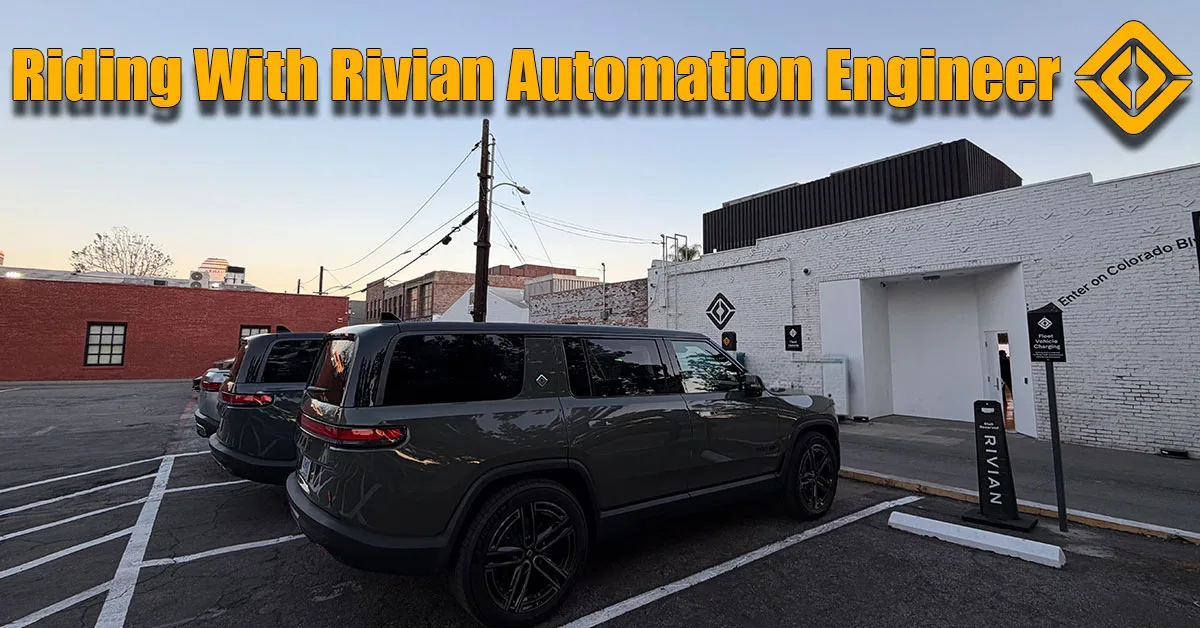
We are coming to you from beautiful Pasadena, California. We’re here for a very special event at the Rivian Space—an Autonomy Demo Day.
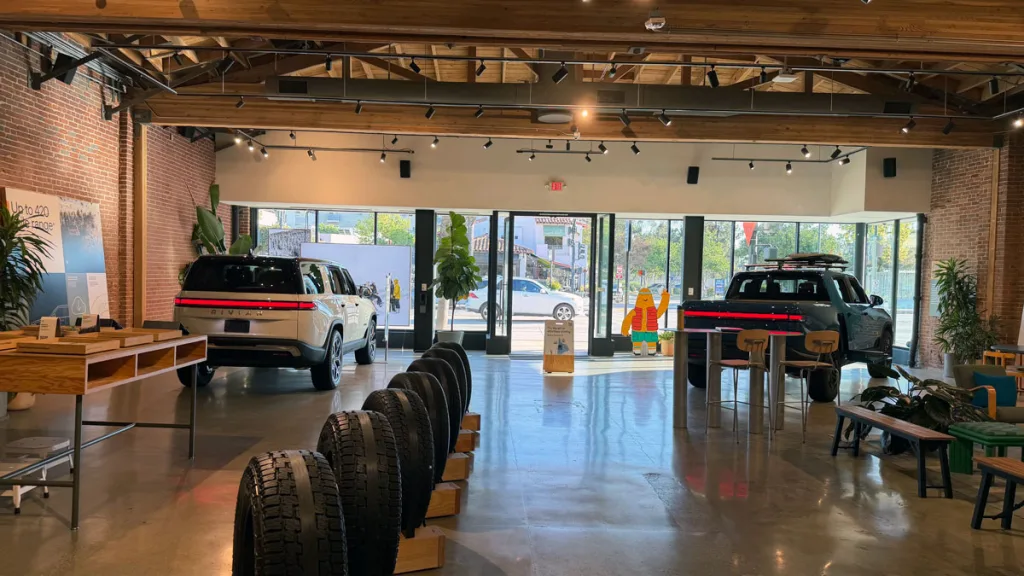
As a software engineer and an EV enthusiast, this is exactly the kind of technical deep-dive I love. I came here with some specific hardware questions, particularly regarding the phantom braking issues I’ve experienced around 18-wheelers. I was fortunate enough to hop into a Gen 2 Quad-Motor R1S for a test drive with Allan (who was driving), Gene (fellow passenger) and a Rivian Autonomy Engineer in the passenger seat.

The Gen 2 Hardware Difference: LiDAR and Cameras
One of the biggest talking points for the Gen 2 platform is the updated sensor suite.
- LiDAR Integration: I asked the engineer if LiDAR is truly necessary for point-to-point autonomy, especially since Tesla relies solely on vision. His take? LiDAR acts as a “second source of truth.” It adds a layer of robustness to the camera-based perception model, helping the car verify what it’s seeing in challenging lighting conditions. This will be available in future models.
- Camera Placement: The driver-monitoring camera is now subtly embedded in the rearview mirror, making it almost invisible compared to the Gen 1 setup.
- In-House Code: A major technical takeaway was that Rivian has completely moved away from third-party stacks like Mobileye. The entire Universal Hands-Free (UHF) system is now coded from scratch, in-house. This gives Rivian total control over the software stack and allows for much faster iteration.
Testing ‘Spicy Mode’ and Highway Assist
We took the Gen 2 R1S out on the 210 freeway to test the new autonomy features.
- Spicy Mode: This is the new aggressive setting for Highway Assist. In “Spicy,” the car maintains a tighter following distance and performs lane changes with much more decisiveness.
- Medium Mode: If you prefer a more relaxed drive, this mode opens up the gap significantly and smooths out the acceleration.
- Controls: In the Gen 2, you adjust your set speed using the right-side scroll wheel. Interestingly, a fast scroll changes the speed by 5 mph increments, while a slow “click” adjusts it by 1 mph.
The “Lockout” Experience
During our drive, Allan actually got “kicked out” of Highway Assist. It was a great real-world demonstration of the safety protocols.
- The Warning: The car detected sunlight hitting the front cameras and began flashing red notifications to “Take Over Immediately.”
- The Penalty: Because Allan didn’t take over fast enough, the system locked him out for the remainder of the drive.
- The Fix: To re-engage the system after a lockout, you actually have to shift the vehicle into Park and then back into Drive. It’s a strict safety measure that I haven’t seen in my Teslas quite like this.
The Travel Kitchen
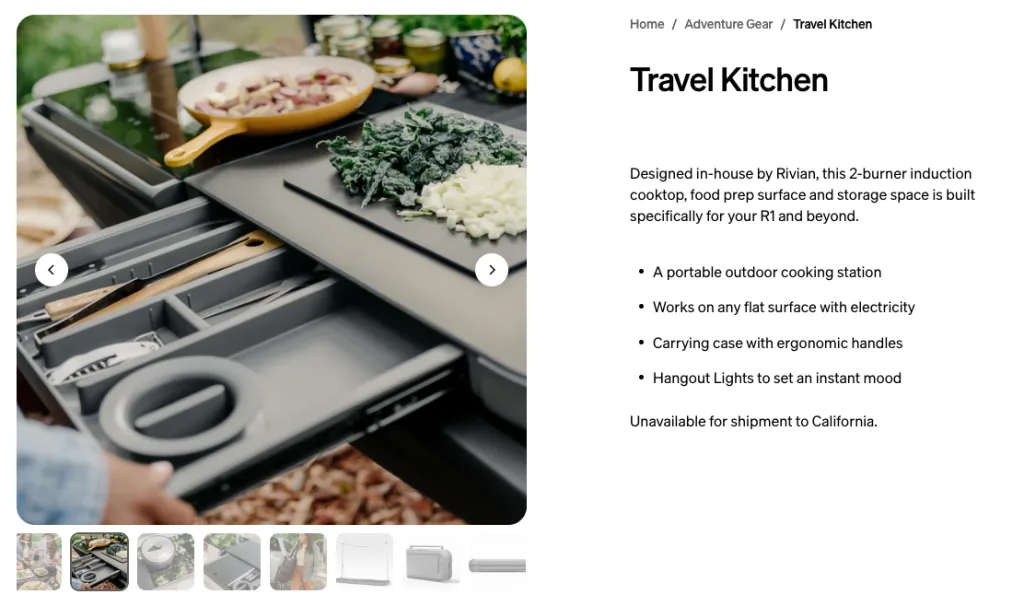
While at the Pasadena space, I also checked out the new Rivian Travel Kitchen on a tri-motor R1S. It’s an incredibly slick, modular kit for overlanding. I’m hoping to get some trail time with one soon, as the weather in SoCal is already hitting the low 80s—perfect for a camping trip.
Rivian vs. Tesla Driving
Sitting in the back of that Gen 2 Quad, feeling Allan give it a “full send,” reminded me why I love Rivian. Tesla’s FSD is technically mind-blowing, but I love the act of driving. Rivian feels closer to a traditional mechanical vehicle but with a futuristic electric heart. The fact that the Highway Assist is no longer geofenced (meaning you can use it on any road with clear lane markings) is a massive win for Gen 2 owners.
Ready to see the Gen 2 Quad-Motor in action?
Check out the video below.