
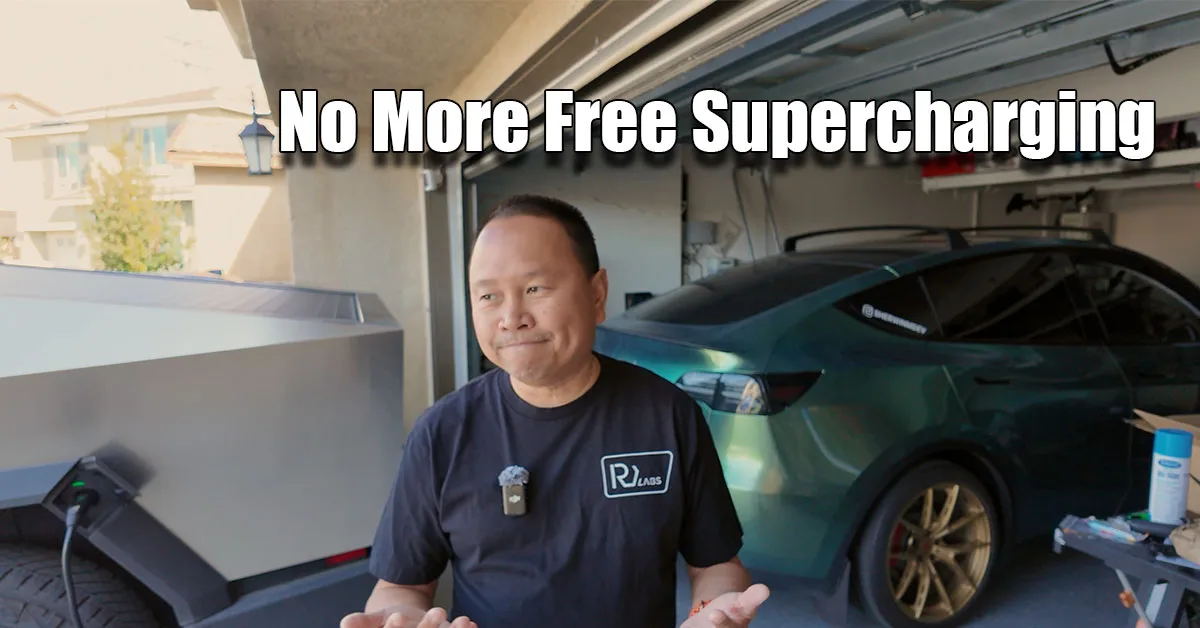
Welcome back for a massive update. Today is April 2nd, which I’m officially calling Liberation Day. Why? Because our three-month free supercharging period for the Cybertruck has officially ended. It’s time to settle back into my home charging routine, and I have plenty of thoughts on the transition, plus some exciting news regarding the Rivian R1T and some essential gear I just picked up.
The End of Free Supercharging
We took delivery of the Cybertruck exactly three months ago. For the last 90 days, I’ve been almost exclusively charging at Tesla Superchargers.
- The Reality Check: This morning, I topped off at a local 72 kW charger after dropping my son at school. Before 8 AM, the rate was about $0.34/kWh. After 8 AM, it jumped to a staggering $0.51/kWh.
- The Home Solution: Luckily, I have a home charging setup with solar. I use a charger with a 24-foot cable, which is long enough to reach the Cybertruck even when it’s backed into the garage behind our Model Y.
- The Takeaway: While free supercharging was a great perk (and I drove nearly 6,400 miles to take full advantage of it!), charging at home is infinitely more convenient for my daily 100+ mile commute.
Rivian R1T: The Profile Struggle
I’ve finally given “the boss” (Abby) access to the Rivian R1T. My secret hope is that she’ll fall in love with it and support our move into an R2 next year! However, letting her drive highlighted a major technical flaw in Rivian’s current software: Driver Profiles.
- The Hack: Unlike Tesla, where you can easily add a local profile on the screen, Rivian requires an email invite. To avoid losing out on potential referral credits in the future (a lesson I learned the hard way with Tesla), I had to create a custom email alias on my own domain just to set up her profile.
- The Plea: Rivian engineers, if you’re reading this: Please allow us to create local driver profiles directly from the UI! Having to manage multiple email invites just to adjust a seat is a massive friction point.

Coming Soon: One-Year Rivian R1T Review
I’m currently putting together my notes for a comprehensive one-year review of the R1T. If you have specific questions about long-term reliability, software quirks, or daily usability, drop them in the comments!
Note: I’ll be doing a separate “Cybertruck vs. R1T” comparison later, so keep your R1T-specific questions focused on the truck itself for now.
Hardware & Gear Highlights
I’ve been doing more towing lately (check out my son’s drum line competition video!), which led to some new Amazon finds that every EV truck owner should consider (affiliate links):
| Item | Brand / Type | Purpose |
| Wheel Chocks | Heavy-Duty Rubber | Prevents the trailer from rolling when unhitching on uneven surfaces. |
| Battery Daddy | Storage Case | Organizes all my loose batteries for camera gear and kids’ toys; includes a built-in tester. |
| Digital Tire Gauge | Handheld Monitor | Essential for off-roading and ensuring towing safety across our three vehicles. |
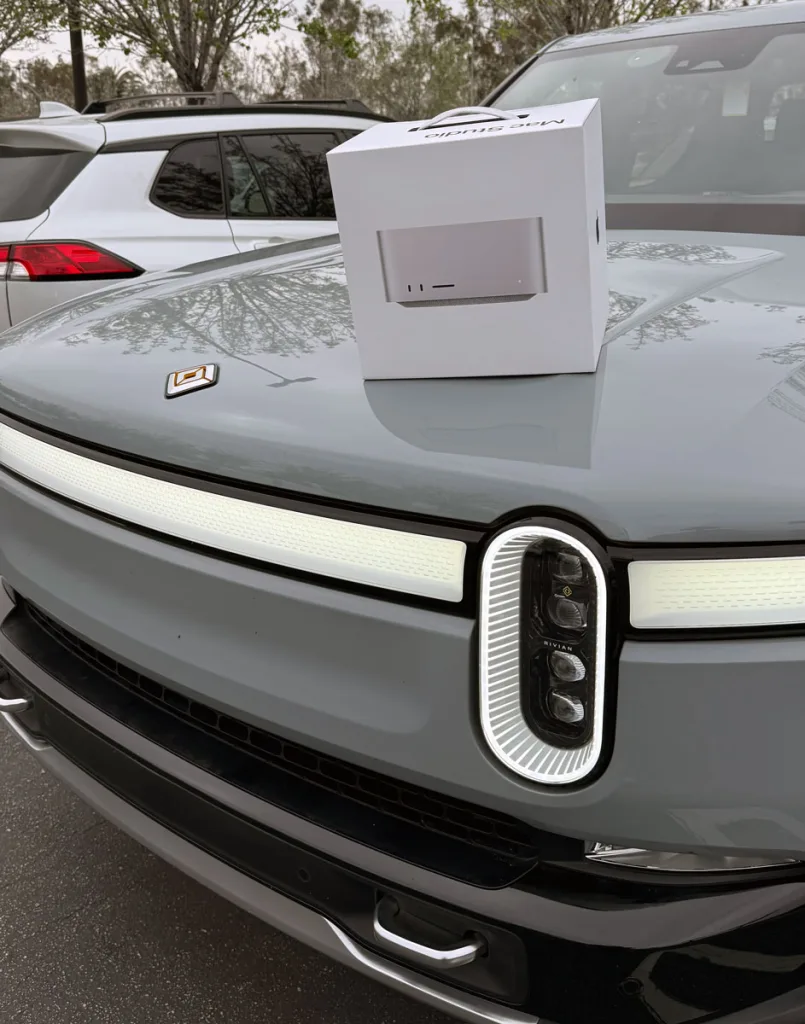
| Mac Studio | Apple (M4 Max) | My new stationary editing powerhouse for the Shed Studios. |
Join the Inner Circle: YouTube Memberships
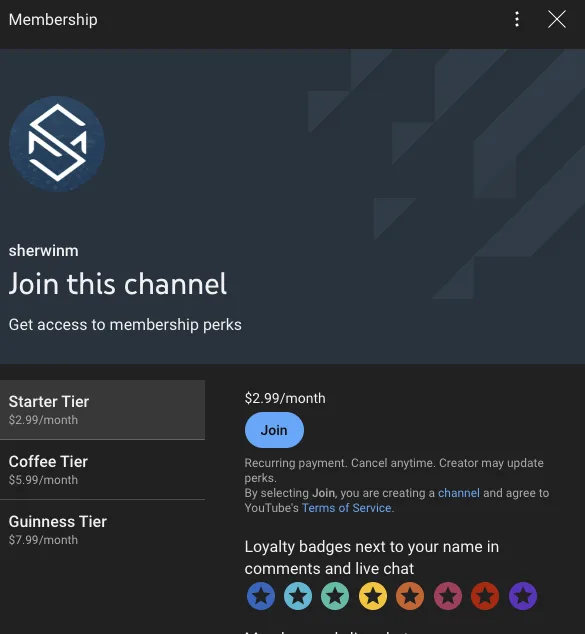
I’ve officially enabled YouTube Memberships starting at just $2.99/month.
- The Perks: Members get early access to all new videos and a completely ad-free experience. I’m testing this by disabling monetization on member-only early access videos to ensure you don’t get interrupted by commercials.
- Bonus Content: I’ll also be posting behind-the-scenes footage, bloopers, and technical deep-dives that don’t make the final cut for the main channel.
Want to see the new gear and my home charging setup? Watch the video below.